01ACTIVE
iMac speakers
Built-in output
40%OUTPUT LEVEL
Your iMac speakers. Your Bluetooth speaker.
Finally, playing together.
Connect both outputs, move the slider,
and see the idea come to life.
Built-in output
Wireless output
Your iMac is playing. Connect Bluetooth to bring in the second speaker.
This is a browser simulation. Demo sound uses your browser’s current output; only the Mac app can route to both devices. Matching percentages don’t guarantee matching loudness.
DualSound brings macOS’s Multi-Output
routing into one small app.
Pair a Bluetooth speaker with your iMac. Keep your built-in speakers selected in DualSound.
Choose your Bluetooth output and press Play on both. Audio using the Mac’s default output goes to both speakers.
Move one slider to send the same volume percentage to each supported output. Stop to restore the previous settings.
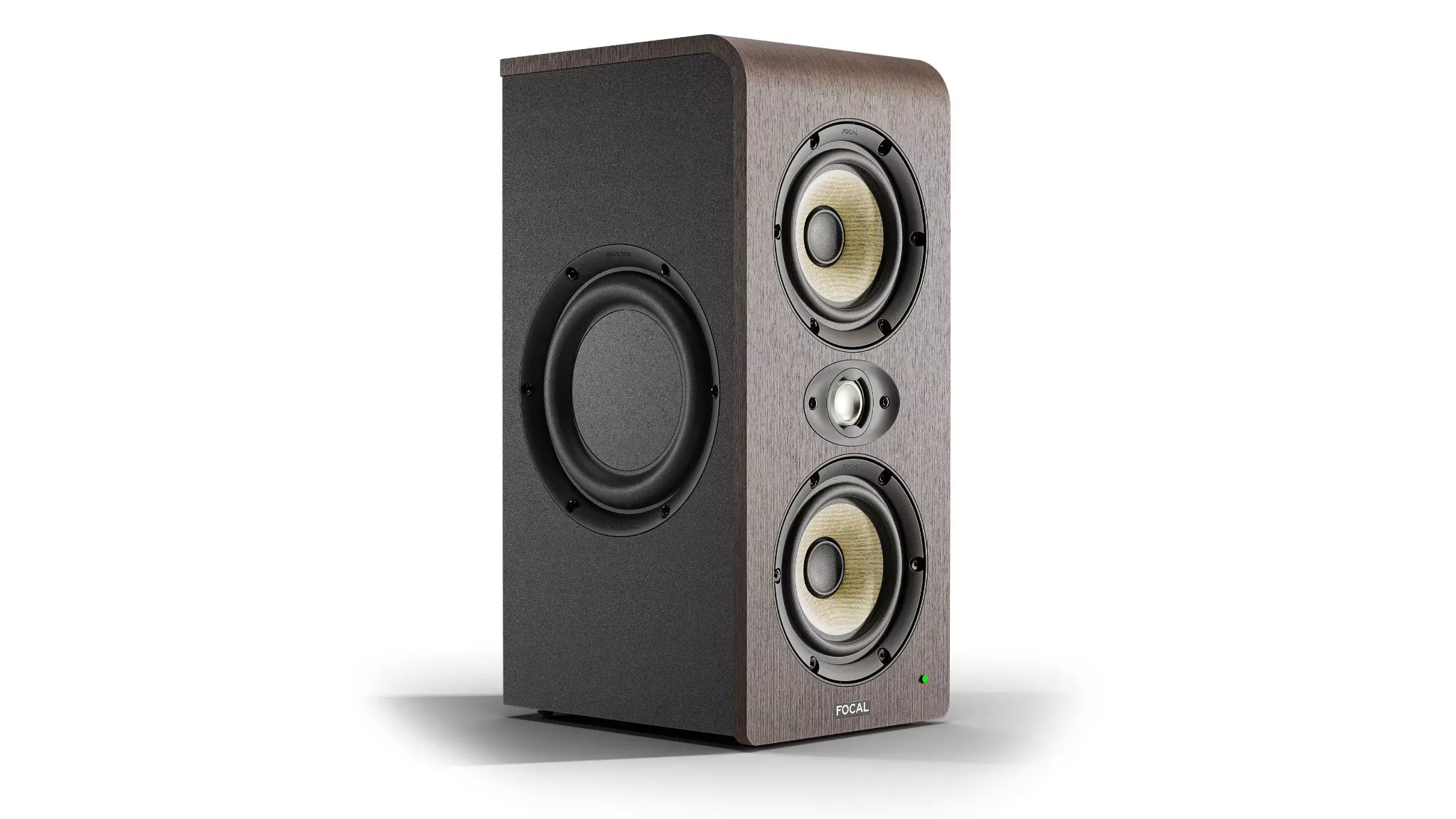
Bluetooth can introduce a delay or audible echo. Drift correction helps with clock differences, but this version does not include manual delay compensation or guarantee perfect synchronization. Some speakers don’t support software volume changes and require their own buttons. The 3D speaker is an illustrative model inspired by the supplied references, not a claim that the pictured studio monitor supports Bluetooth.
Get DualSound for your Mac.
DUALSOUND FOR MAC
Choose your plan.
Monthly, yearly or lifetime
Choose a plan to see pricing